Publishing for the Web
Talk about the process for prepping Unity for web, what concerns you should have when setting up your project, how the build process happens as well as how to upload it to a site like itch.io.
Publish online
When it comes to playing your browser game you can do that locally just fine, but in order for others to be able to play you’ll need to host it on a server. There are plenty of online services for that, in my case I use itch.io..
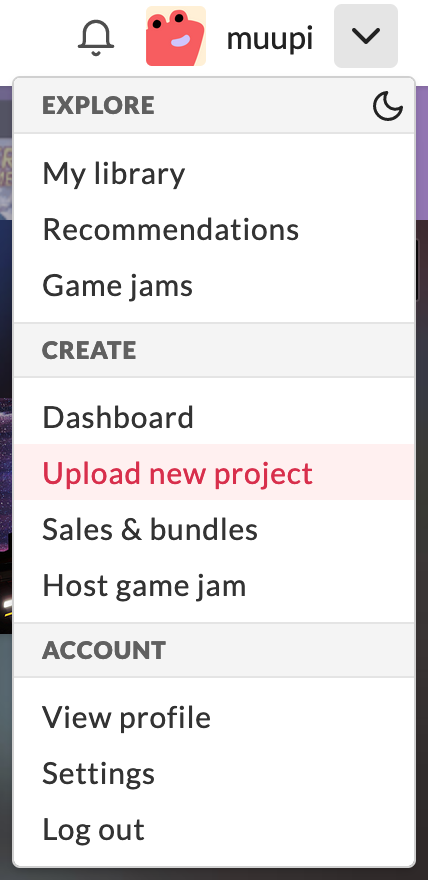
The setup is incredibly easy. Once I’ve done the build, I click on my profile and head to Upload Project.
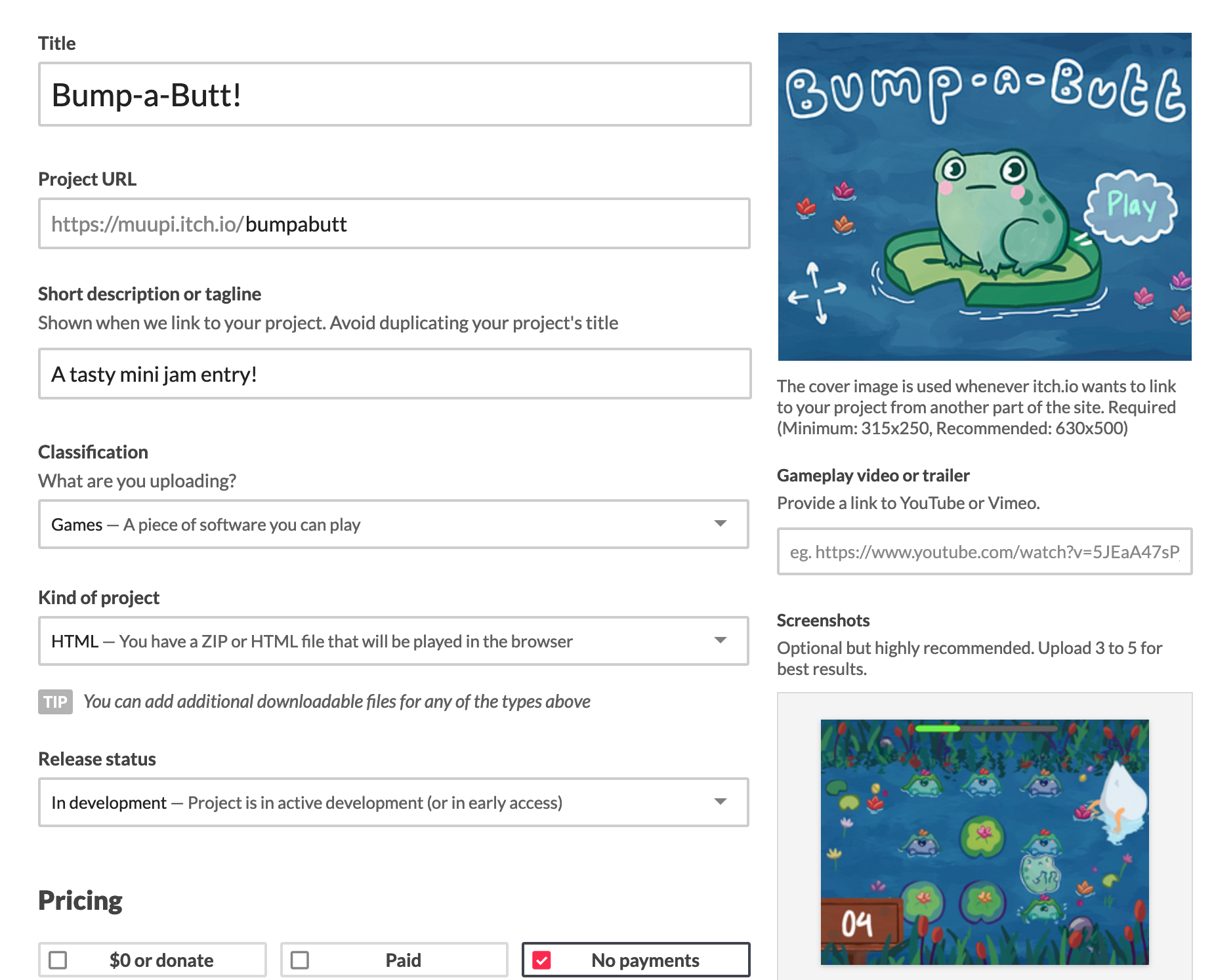
This’ll open a new page where you can create your game title, upload cover art, gameplay trailers, give your game a tagline and state what kind of project this is. In our case we want to click the dropdown and select the HTML option. This’ll change the uploads section later on and allow us to define how to embed the game, what dimensions it should have, enable fullscreen, play automatically and enable mobile friendly mode.
That’s it! Now you can make it public and provide a link or keep it restricted and give certain people access keys.